How to Write User Stories for Your MVP (A Founder's Guide)
Why User Stories are Critical for Your MVP
Building a Minimum Viable Product (MVP) is about maximizing learning while minimizing development effort. It's a delicate balance. How do you ensure your team builds only what's necessary to validate your core hypothesis? The answer lies in well-crafted user stories.
A user story is a simple, yet powerful, tool in agile development. It's an informal, natural language description of a feature written from the perspective of an end-user. It forces you to focus on the who, what, and why behind a feature, rather than getting bogged down in technical specifications too early. For an MVP, this focus is non-negotiable; it's the foundation of a lean and effective product backlog.
The Core User Story Format
At its heart, a user story follows a simple template that frames the work around user value:
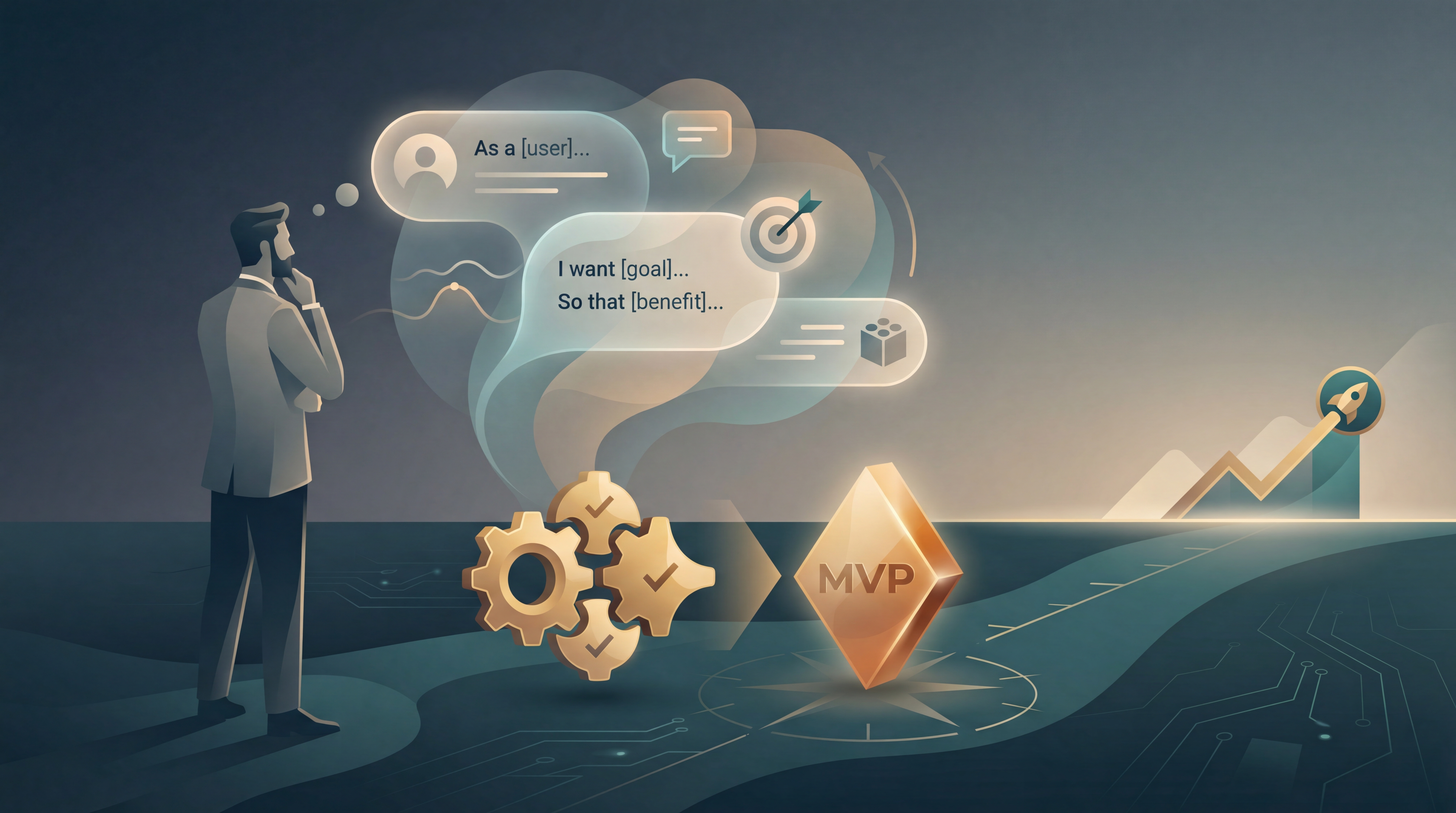
As a [type of user], I want [some goal], So that [some reason/benefit].
This structure is more than just a template; it's a framework for thinking. It connects every piece of development work directly to a user need and a business outcome. This is the first step in moving from a vague idea to a concrete, buildable feature.
Step 1: Define Your User Persona (The "As a...")
Before you can write a story, you must know who the story is about. Who is your target user? What are their goals and pain points? This is your Ideal Customer Profile (ICP) or user persona.
For your MVP, you should focus on a single, primary user persona. Trying to serve everyone means you serve no one well. Your goal is to solve a specific problem for a specific group of people.
Example Persona:
- Name: Alex, the Freelance Designer
- Role: A self-employed graphic designer juggling multiple client projects.
- Goal: To stay organized and meet deadlines without complex project management software.
- Pain Point: Forgets small tasks and struggles to track time spent on different projects.
Every user story you write for your MVP should be for "Alex." This ensures your product remains focused and coherent.
Step 2: Articulate the Goal and Benefit (The "I want... so that...")
With your persona defined, you can now articulate what they need to do within your product and why it matters to them. This is the core of the user story.
- The Goal ("I want..."): This describes the action the user wants to perform. It should be an action, not a technical feature. Avoid phrases like "I want a dropdown menu." Instead, focus on the user's intent, like "I want to select my project category."
- The Benefit ("So that..."): This is the most crucial part for an MVP. It's the why. It justifies the existence of the feature. If you can't articulate a clear benefit for your primary persona, that feature probably doesn't belong in your MVP.
Example User Story:
As a freelance designer (Alex), I want to create a new task with just a title, So that I can quickly capture my to-dos without breaking my workflow.
This story is simple, user-centric, and clearly states the value proposition: speed and simplicity.
Step 3: Define Clear Acceptance Criteria
How do you know when a user story is "done"? That's where acceptance criteria come in. These are a set of testable conditions that must be met for the story to be considered complete. They remove ambiguity for developers and testers, ensuring everyone is aligned on the desired outcome.
A common format for acceptance criteria is the Given/When/Then structure:
- Given: The initial context or prerequisite.
- When: The action the user takes.
- Then: The expected outcome or result.
Example Acceptance Criteria for the task creation story:
Given I am on the main task list view,
When I enter text into the "New Task" input field and press Enter,
Then the new task appears at the top of my task list.
Given I am on the main task list view,
When I try to create a task with no text,
Then the task is not created and no new item appears in the list.
Acceptance criteria make the abstract user story concrete and testable.
Step 4: Validate Stories with the INVEST Criteria
To ensure your user stories are effective and ready for development, they should adhere to the INVEST mnemonic. This framework is a quality check for every story in your MVP backlog.
- Independent: Can this story be developed and delivered on its own? Dependencies slow down development. For an MVP, you want small, independent chunks of value.
- Negotiable: A story is not a contract. It's a starting point for a conversation between the product owner and the development team about the best way to solve the user's problem.
- Valuable: Does this story deliver tangible value to the end-user (and the business)? If not, it has no place in an MVP.
- Estimable: Can the development team give a rough estimate of the effort required to implement this story? If it's too vague or large, it needs to be broken down.
- Small: The story should be small enough to be completed in a single development cycle (e.g., a one or two-week sprint). Large stories (often called "epics") should be broken down into smaller, more manageable user stories.
- Testable: Can you prove that the story is done? This is where your acceptance criteria are essential.
If a story fails the INVEST check, it's a sign that it needs to be refined, rewritten, or split into smaller stories.
Step 5: Prioritize Your Stories for the MVP
For an MVP, prioritization isn't just important—it's everything. You have limited time and resources. Your goal is to identify the smallest set of user stories that create a functional product and allow you to test your core assumptions.
Several frameworks can help, but a simple and effective one for an MVP is the Impact/Effort Matrix:
- High Impact, Low Effort (Quick Wins): Do these first. These are the core features that deliver the most value for the least amount of work.
- High Impact, High Effort (Major Features): These are also critical for your MVP, but they require more planning. Tackle them after the quick wins.
- Low Impact, Low Effort (Fill-ins): These might be nice to have, but they aren't essential. Defer them until after your initial launch.
- Low Impact, High Effort (Money Pits): Avoid these at all costs. They will drain your resources with little return.
Your MVP backlog should primarily consist of stories from the "High Impact" quadrants. Everything else can wait. This ruthless prioritization is what makes an MVP viable.
Step 6: Build and Refine Your MVP Backlog
Your collection of prioritized user stories becomes your product backlog. This is the single source of truth for the development team. It's a living document that will evolve as you get feedback.
Organize your backlog with the highest priority stories at the top. The team will pull stories from the top of the backlog to work on in each development sprint. This ensures they are always working on the most valuable thing next.
Key Takeaways
Writing effective user stories is a skill that blends empathy for the user with a pragmatic approach to product development. For your MVP, it's the most powerful tool you have to translate your vision into a focused, valuable, and achievable product.
- Start with the User: Always ground your stories in a specific user persona.
- Focus on the Why: The "so that" clause is your justification for building the feature.
- Be Clear on "Done": Use acceptance criteria to define the finish line.
- Keep Stories Small and Valuable: Apply the INVEST criteria to maintain a healthy backlog.
- Prioritize Ruthlessly: Use a framework like the Impact/Effort matrix to decide what truly matters for your first release.
Further reading
Run this analysis for your idea
Idea OS evaluates your startup across market sizing, ICP, competition, and more—then generates a PRD Generator tailored to your evaluation.
Generate PRD Generator →New to Idea OS? Start by evaluating your idea.